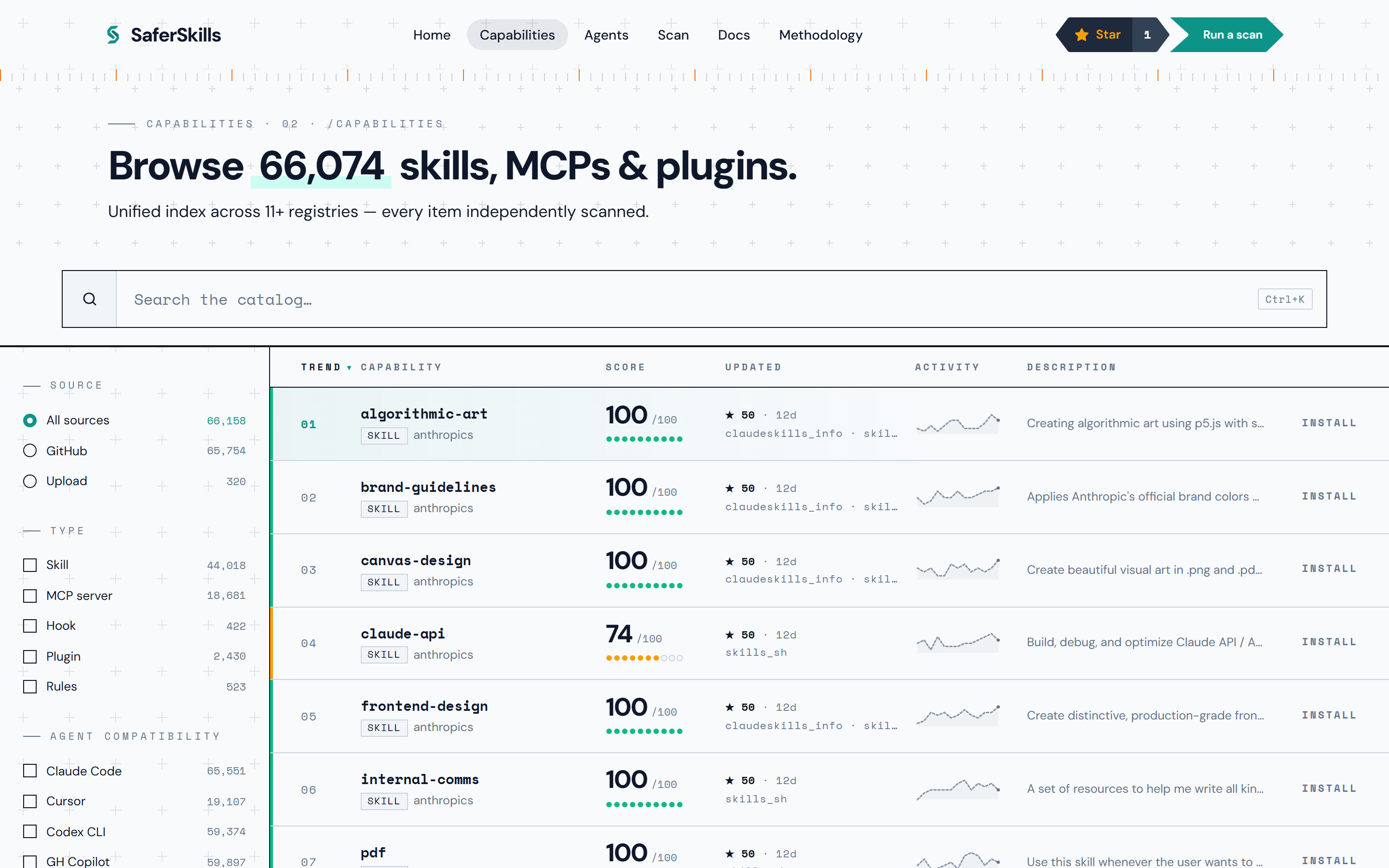
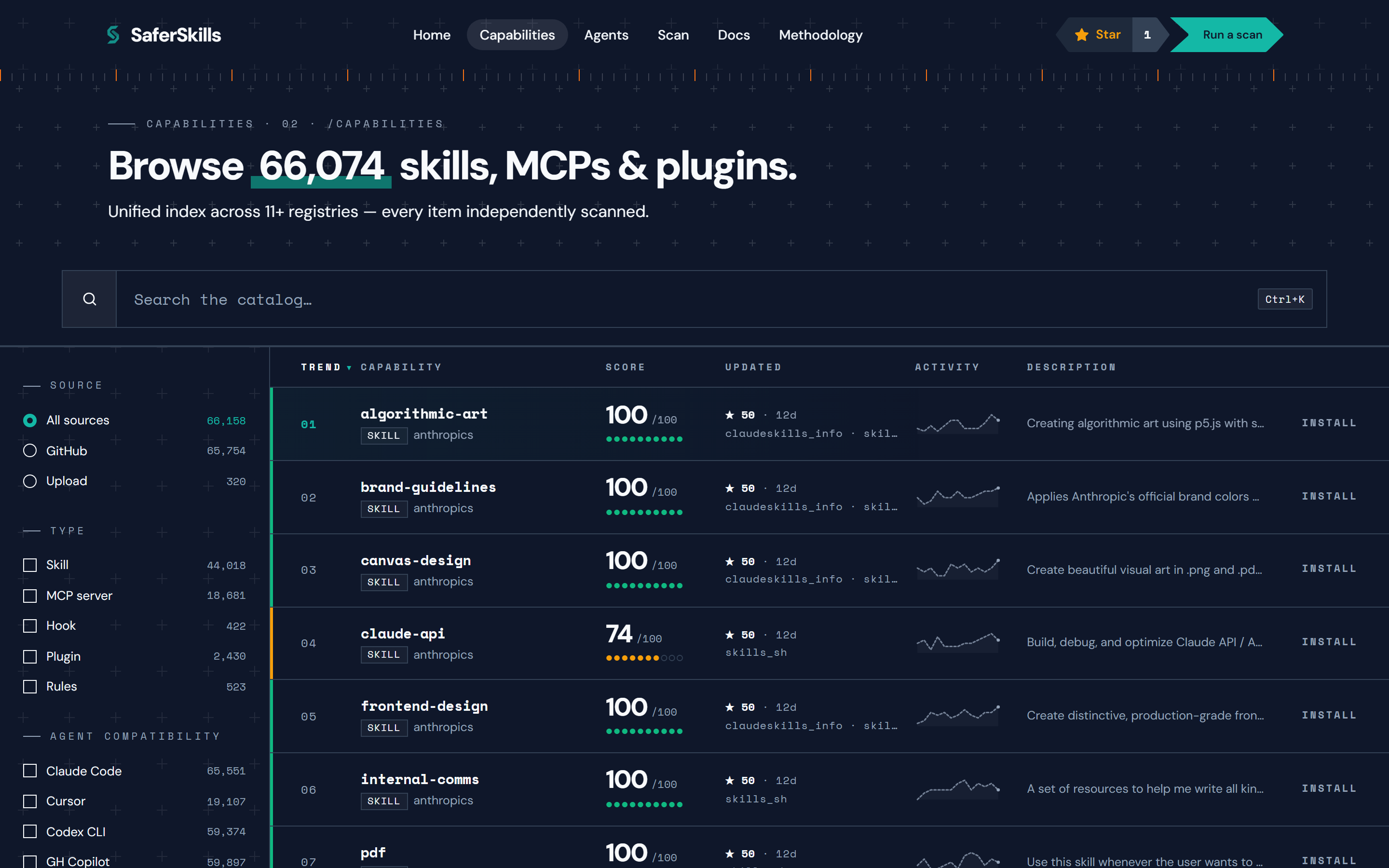
The public catalog at /catalog lists every AI capability SaferSkills has indexed and scored — one row per capability, not per repository. You filter by kind, agent, scan tier, and minimum score; sort by install count, score, recency, or name; and read each row’s 0–100 aggregate score, color band, and finding count before you open the full report. Browsing is unauthenticated and free.
What is in the catalog?
Each catalog row is a single scored capability — a skill, an MCP server, a hook, a plugin, or a rules set. One GitHub repository can hold several capabilities, and each is scored independently, so the catalog indexes capabilities rather than repos. A row carries the capability’s display name, its kind, its source (GitHub or upload), its latest aggregate score and tier, a finding count, popularity signals, and the agent platforms it is compatible with.
The catalog hides low-quality and empty rows by default. Those items stay reachable by their direct /items/<slug> URL — they are scored and public, just kept out of the default browse surface.
How do I filter the catalog?
The catalog supports four primary filters, each backed by the public GET /api/v1/items endpoint:
- Kind —
skill,mcp_server,hook,plugin, orrules. Filter to a single capability type, or combine several. - Agent — keep only capabilities compatible with a chosen agent platform (for example Claude Code or Cursor). Agent compatibility is catalog metadata, not a scoring input — it never moves a score.
- Scan tier —
green,yellow,orange, orred, matching the capability’s latest scan band. - Minimum (and maximum) score — bound the aggregate score to a range, so you can list only capabilities at or above the bar you care about.
A source (provenance) filter splits the catalog by where the bytes came from: github for a scanned public repository, upload for a directly submitted artifact. A free-text query matches the display name and indexed content. Filters combine — a query stays scoped while you re-sort the result set.
What do the sort keys mean?
The catalog sorts on a closed set of keys. The common ones:
most_installed— the default. Ordered by popularity signal.highest_score/lowest_score— by the latest aggregate score.recent— most recently updated first.most_starred— by GitHub star-derived popularity.name_asc— alphabetical by display name.most_active— by install activity over the trailing quarter.
Sorting never changes which rows are shown — only their order. The active filters define the result set; the sort key arranges it.
How do I read a score band and tier?
Every scored row shows an aggregate score from 0 to 100, mapped to a four-tier color band:
| Band | Range | Meaning |
|---|---|---|
| Green | 80–100 | Approved |
| Yellow | 60–79 | Watch |
| Orange | 40–59 | Caution |
| Red | 0–39 | Block |
A band is a summary, not a recommendation. SaferSkills publishes methodology, not endorsements — a low score means review before use, not avoid. The score is deterministic: the same capability bytes at the same rubric version always produce the same number. To understand how the five sub-scores and the severity ceiling combine into that aggregate, see how scoring works.
What is the difference between a github and an upload row?
A github row was scanned from a public repository — it links to its upstream github.com source, carries repo signals (stars, license, commit history), and is eligible for auto-rescan when its upstream changes. An upload row was scanned from a directly submitted file, .zip, or set of loose files. Uploads carry no repo coordinates and have no auto-rescan path, since there is no upstream ref to poll. Both go through the same deterministic engine and produce the same kind of report.
Where do I go from a catalog row?
Open any row to read its full report — the aggregate math, the five sub-scores, every finding with its rule_id and evidence, and any vendor response. See read a scan report for how to interpret what you find there.
If the capability you want is not yet in the catalog, you can scan a repo by submitting its GitHub URL or uploading its files — the result becomes a public report you can link and share.